
When you’re waiting for an essential package, tracking it gives you peace of mind. LaserShip and OnTrac are popular regional delivery companies in the United States that help millions of people get their orders quickly. In this article, Trace Your Parcels explains how LaserShip/OnTrac tracking works, how to use it, and the essential factors to consider.
LaserShip and OnTrac recently joined forces to create a larger, more efficient regional delivery network. Together, they cover more ground and can compete better with national giants like UPS and FedEx. They focus on same-day and next-day deliveries, e-commerce logistics, and customized delivery plans. Their combined network creates a transcontinental last-mile delivery option.
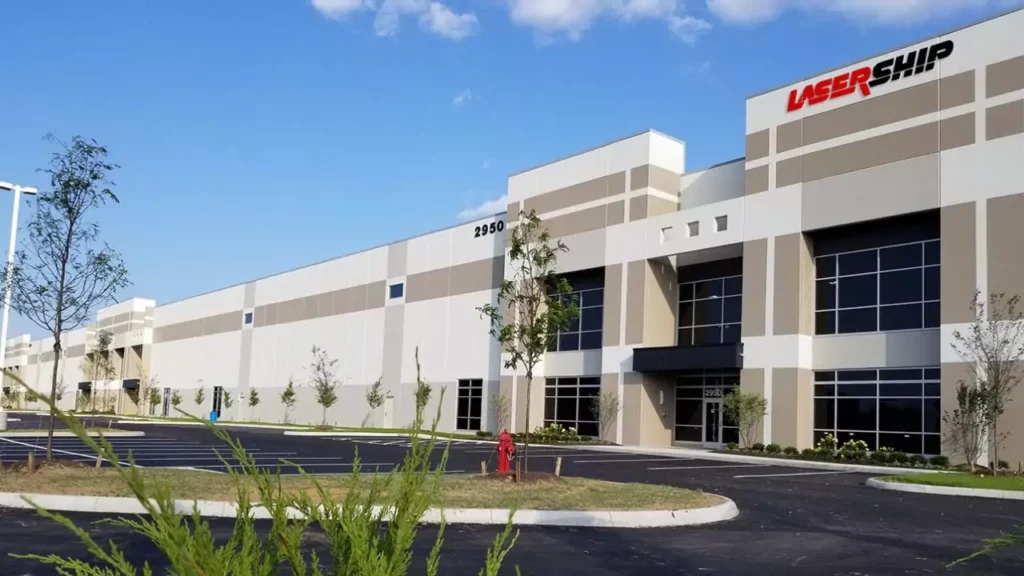
What is LaserShip/OnTrac?
LaserShip and OnTrac are regional last-mile delivery services that ship packages for major retailers and e-commerce businesses. They focus on fast, affordable shipping in the eastern and western United States. In 2021, LaserShip and OnTrac combined forces to create a larger national delivery network.
How Does LaserShip/OnTrac Tracking Work?
When you order something online and it ships with LaserShip or OnTrac, you’ll receive a tracking number. This number allows you to track your package’s journey from the seller’s warehouse to your doorstep.
You can check your tracking status at any time by entering your tracking number on the LaserShip or OnTrac website. The tracking page displays updates, such as when your package is picked up, in transit, being delivered, or has been delivered.
How to Track Your LaserShip/OnTrac Package
Tracking your package is easy:
Why Use LaserShip/OnTrac Tracking?
Nobody likes to wonder where their package is, right? That’s why tracking is so important. With LaserShip/OnTrac tracking, you receive real-time updates, ensuring you know exactly when to expect your delivery. Tracking keeps you in the loop. It helps you plan your day, avoid missed deliveries, and reduce the stress of waiting for an essential package.
Understanding Tracking Status Updates
The common Tracking status that everyone knows is given as follows:
Common Tracking Status Terms
You might see statuses like:
What Each Status Means
What if My Tracking Info Doesn’t Update?
Sometimes, tracking updates can be delayed. Here’s what you can do:
Troubleshooting Tracking Issues
Some common and critical issues that are faced in tracking are given below:
Tracking Number Not Working
Did you enter the number and get an error? Double-check for typos. If it still doesn’t work, give it 24 hours — sometimes, the system takes time to update.
Delayed Updates
If your tracking hasn’t changed in a while, don’t panic. Packages can sit at a hub for a day or two, especially during peak season.
Package Shows Delivered but Not Received
Check around your porch, side door, or with neighbours. Still missing? Contact LaserShip/OnTrac support ASAP.
How Accurate Is LaserShip OnTrac Tracking?
LaserShip/OnTrac tracking is generally accurate and provides real-time updates. Sometimes, there can be slight delays or changes, but it usually works well.
Real-Life Accuracy
Most customers find LaserShip/OnTrac tracking to be accurate. You’ll get timely updates as your package moves from facility to truck to doorstep.
Factors That Affect Tracking
Sometimes, weather, traffic, or high delivery volume can cause slight delays. However, the tracking information generally stays up to date.
LaserShip/OnTrac Customer Service
If you have issues with your delivery, you can contact:
They can assist with missing packages, delays, or incorrect tracking information.
Tips for a Smooth Delivery
OnTrac Lasership Tracking Pricing
Customer Reviews and Experiences
Frequently Asked Question(FAQs)
Conclusion
LaserShip/OnTrac tracking makes it easy to stay updated on the status of your package. Always keep your tracking number handy and check the official websites for real-time updates. If you encounter any issues, please don’t hesitate to contact their customer service team for assistance. Next time you order something, check your tracking, relax, and wait for that knock on the door.